Back-office automation
Back-office automation is software that does the repeat work behind finance and operations: reading invoices, matching them to purchase orders, keying orders into the ERP, checking payroll inputs and routing documents for approval. Standard documents automate well. Exceptions, like an invoice that doesn't match its purchase order, still go to a person.
9 articles · latest October 7, 2026
Start with accounts payable
How to choose accounts payable automation you won't babysit.
Even the best accounts payable teams flag 9% of invoices as exceptions (Ardent Partners, 2024). How to pick software that someone else builds and runs for you.

AI accounts payable automation and the 33% ceiling.
Vendors advertise touchless rates above 90%, yet only 32.6% of B2B invoices go through with no human touch (Ardent Partners, 2024). The gap comes from setup and upkeep.
Payroll, orders, services billing and documents

Payroll automation software: what still runs by hand.
EY found errors in one in five US payrolls, at $291 per correction. Most of them start in time, attendance and expense inputs.

PSA automation software: what it actually automates.
Services firms lose close to 20 unbilled hours a week chasing clients (Progress Software, 2026). Professional services automation (PSA) software handles the billing math, and collecting the data it runs on is still manual.

Document workflow automation dies in the exception queue.
74% of content systems are not connected to the rest of the business (AIIM, 2023). Document automation stalls on the exceptions that need a second system.

AI for accounting stopped growing. Here's what works.
Finance AI adoption went from 37% to 58% to 59% and then flattened (Gartner, 2025). The clearest payback is still in accounts payable.

How to automate order processing without the upkeep.
About two-thirds of B2B revenue still moves through manual, rep-handled channels (McKinsey, 2024). The guide covers all five ways orders arrive, from portal to phone.
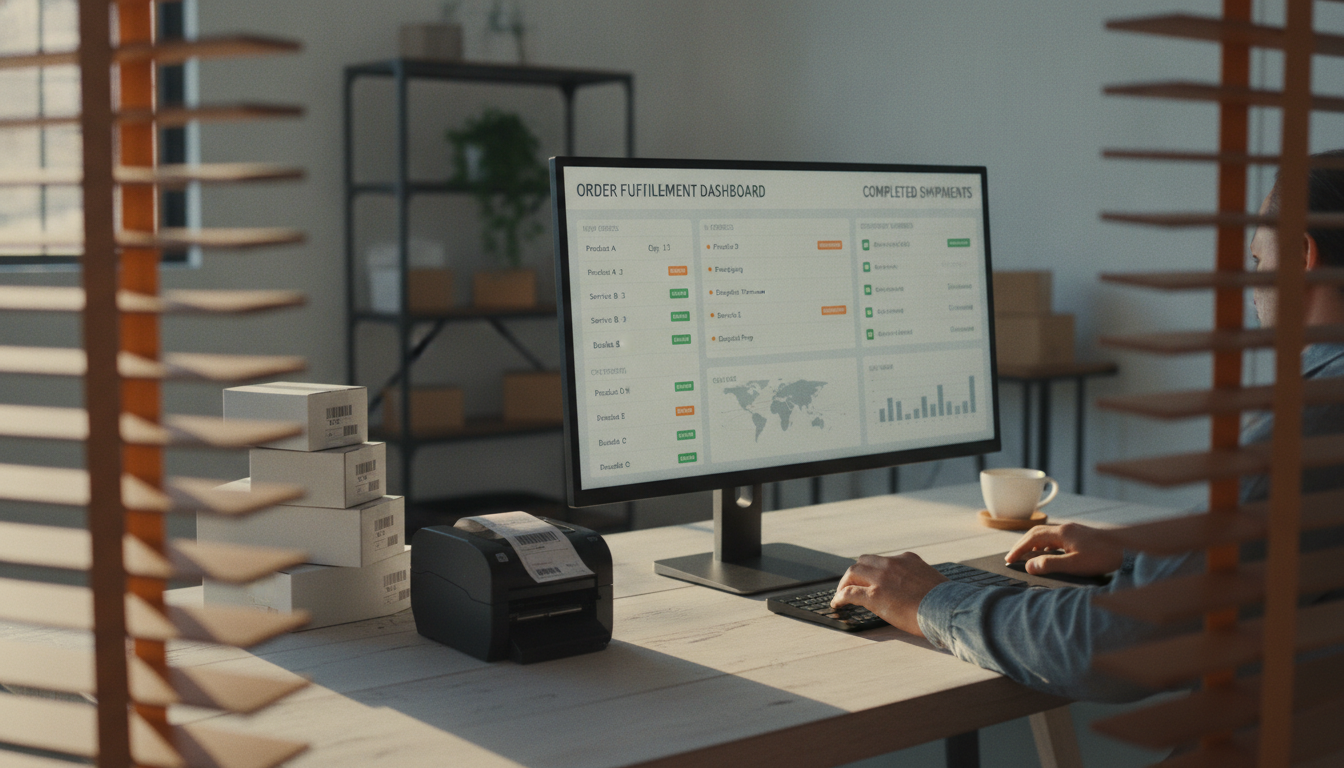
The order management system you never have to run.
33% of B2B online orders now contain an error, up from 28% in 2019 (Sana Commerce, 2024). Whether an order system sticks depends on who keeps it running after go-live.
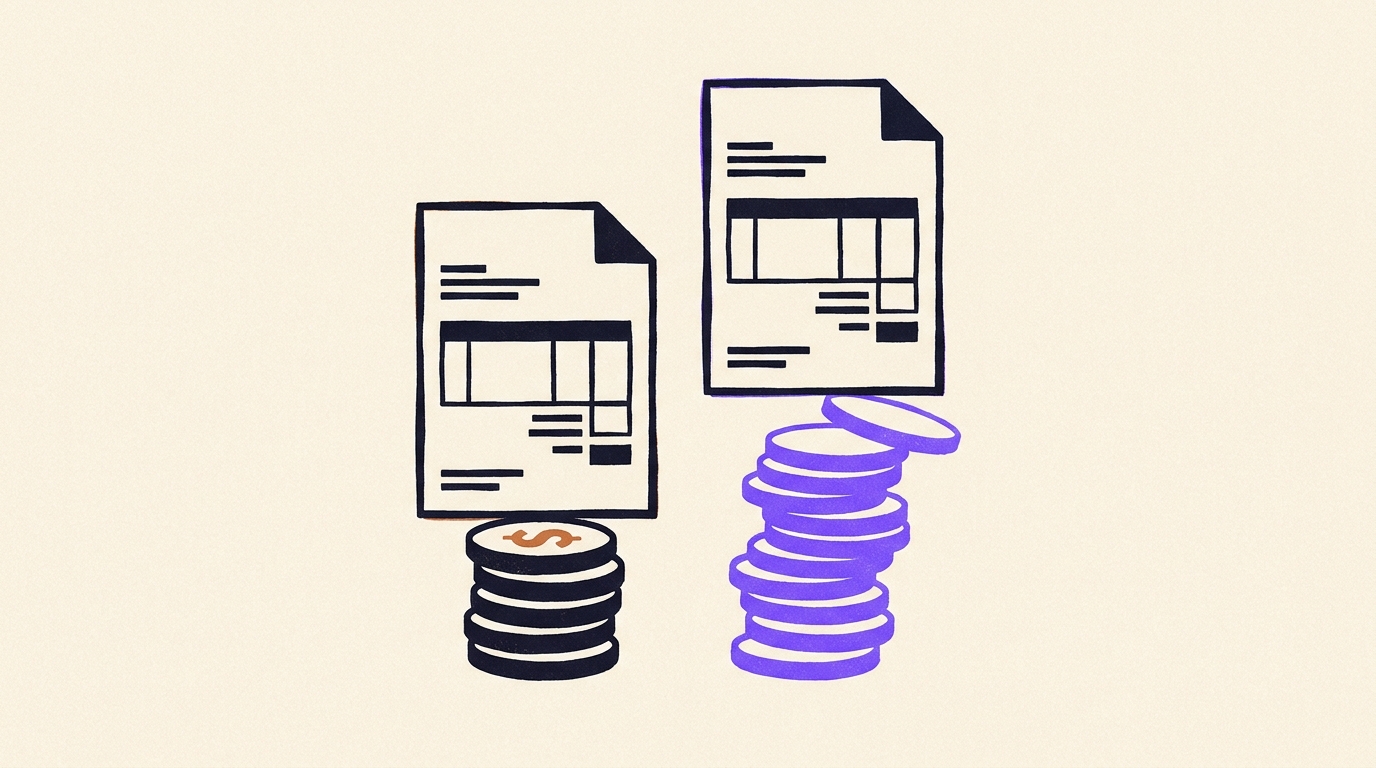
How to automate PDF invoice processing for good.
One invoice costs best-in-class teams $2.78 and everyone else $12.88 (Ardent Partners, 2024). Scanned and emailed PDFs are where processing breaks.
Where back-office automation breaks
Most back-office automation handles the clean cases: the invoice arrives in the usual layout, matches its purchase order and posts, and anything else goes to a person. Ardent Partners found that the best accounts payable teams process 69% of invoices with no human touch, while the average team manages 32.6%. APQC's benchmarks trace the cost gap to how the process is run day to day.
What differs is who keeps the rules current when a supplier changes its invoice format, an approval limit moves or the ERP adds a required field. That upkeep is the part a demo leaves out. Our agents are mostly tested code that matches, posts and routes, with AI only where a messy PDF or email has to be read. We run them for you and fix them when the inputs change, so the exception queue keeps getting shorter.
Questions about back-office automation
What counts as back-office automation?
The repeat work behind finance and operations that runs on documents and system entries: accounts payable, invoice capture, payroll inputs, order entry, billing data for services firms and document approvals. Sales and marketing routines have their own topic, go-to-market automation.
Which back-office process should we automate first?
Start where the volume is high and the rules are already written down. For most companies that is invoice intake or order entry. Count how often a person touches each item for two weeks. The process with the most repeat touches and the fewest judgment calls goes first.
Why do back-office automations stop working after launch?
Because the inputs change. A supplier switches to a new invoice layout, or a new vendor sends documents in a format nobody planned for. Each change sends items back to a person, and over a few months the automation turns into a wrapper around manual work unless someone owns those fixes.
Do we need to replace our ERP or accounting software?
No. The automation works on top of the systems you already run. The agent reads the invoice or order, applies your rules and enters the result in your existing ERP, payroll or billing tool.
How is this different from buying accounts payable software?
With software, your team still sets the rules, clears the exceptions and fixes what breaks. With Uplift, our team builds the agent and keeps it working as your vendors and systems change.
Finance automation, built and run for you.
We build the agents for invoice matching, reconciliation and close reporting, run them across your ERP and bank feed, and keep them working when vendors or systems change.