Business process automation
Business process automation is the use of software to take the human steps out of a repeating, rule-based process that crosses more than one system. For example, a signed job offer triggers the new hire's setup in payroll, the HR system, email and the ticketing tool without anyone retyping their details. Steps that need judgment stay with a person.
8 articles · latest October 13, 2026
Process examples and data entry between apps
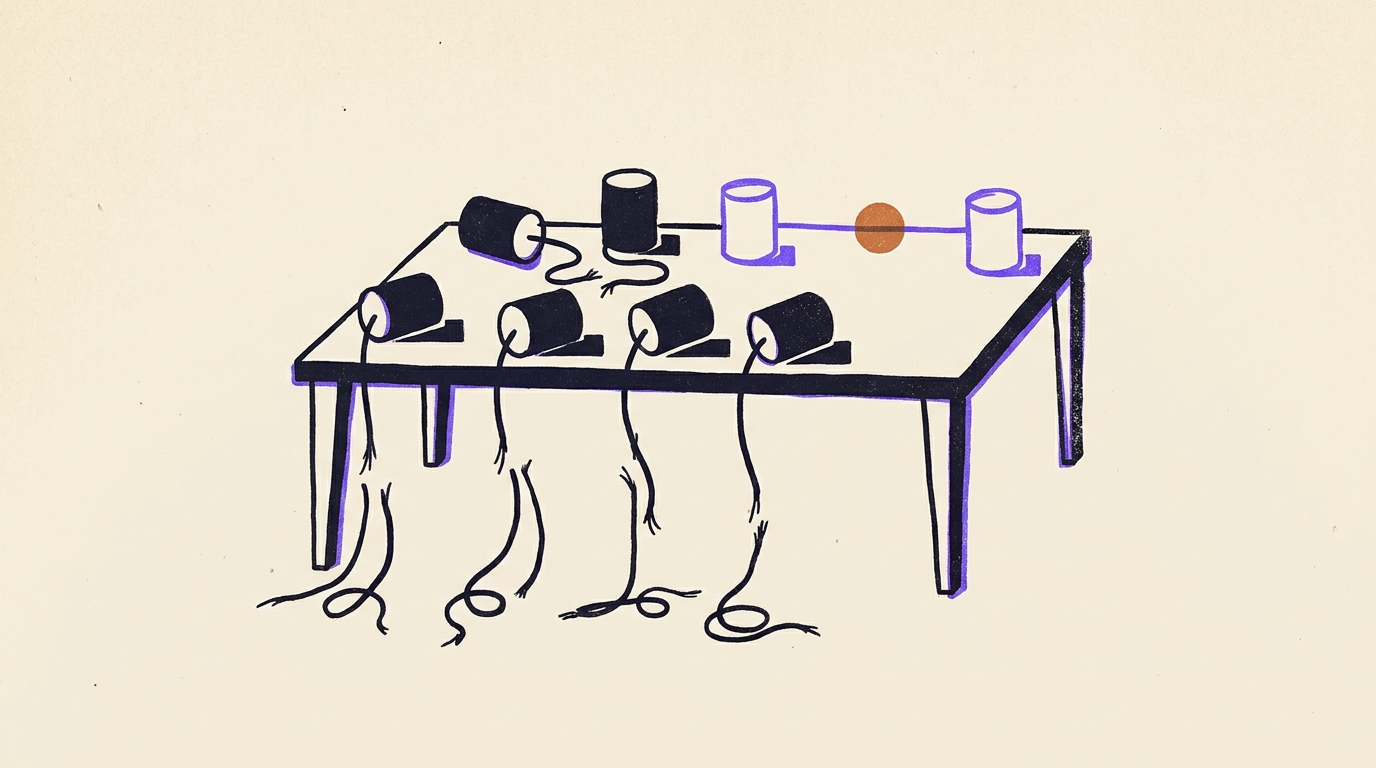
Business process automation: six examples, one pattern.
Six processes, from supplier invoice to new hire, each with the one step where a person still retypes data. The average organization has integrated 27% of its 957 apps (MuleSoft, 2026).

How to stop manual data entry between your apps.
Workers switch apps about 1,200 times a day and lose roughly four hours a week finding their place again (Harvard Business Review, 2022). The guide names the four transfers that take the most hours, starting with form to CRM.
Copy-paste tasks, hidden workflows and keeping automations running
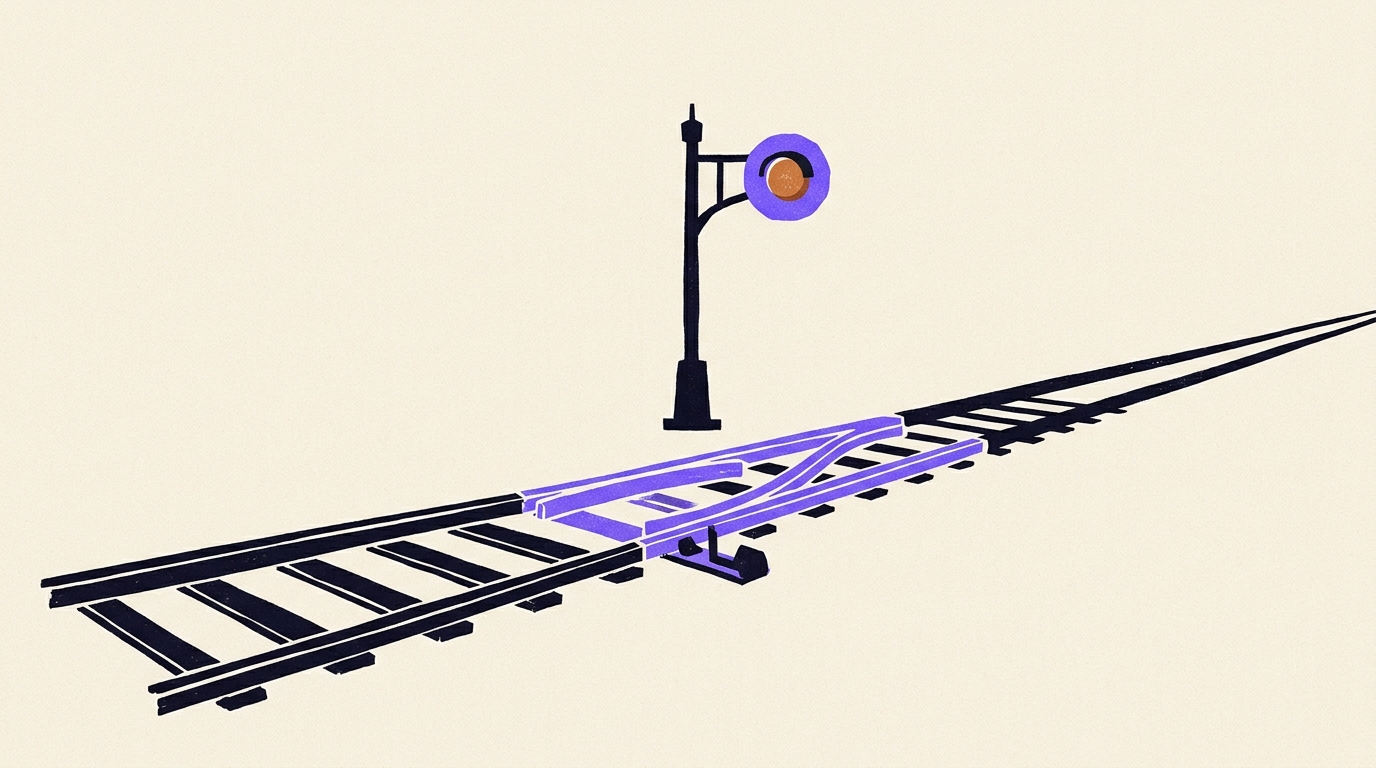
Intelligent workflow automation: where the AI step belongs.
Intelligent workflow automation adds AI to a rule-based process. Where that step helps, where it breaks the reliability math, and who runs it after launch.
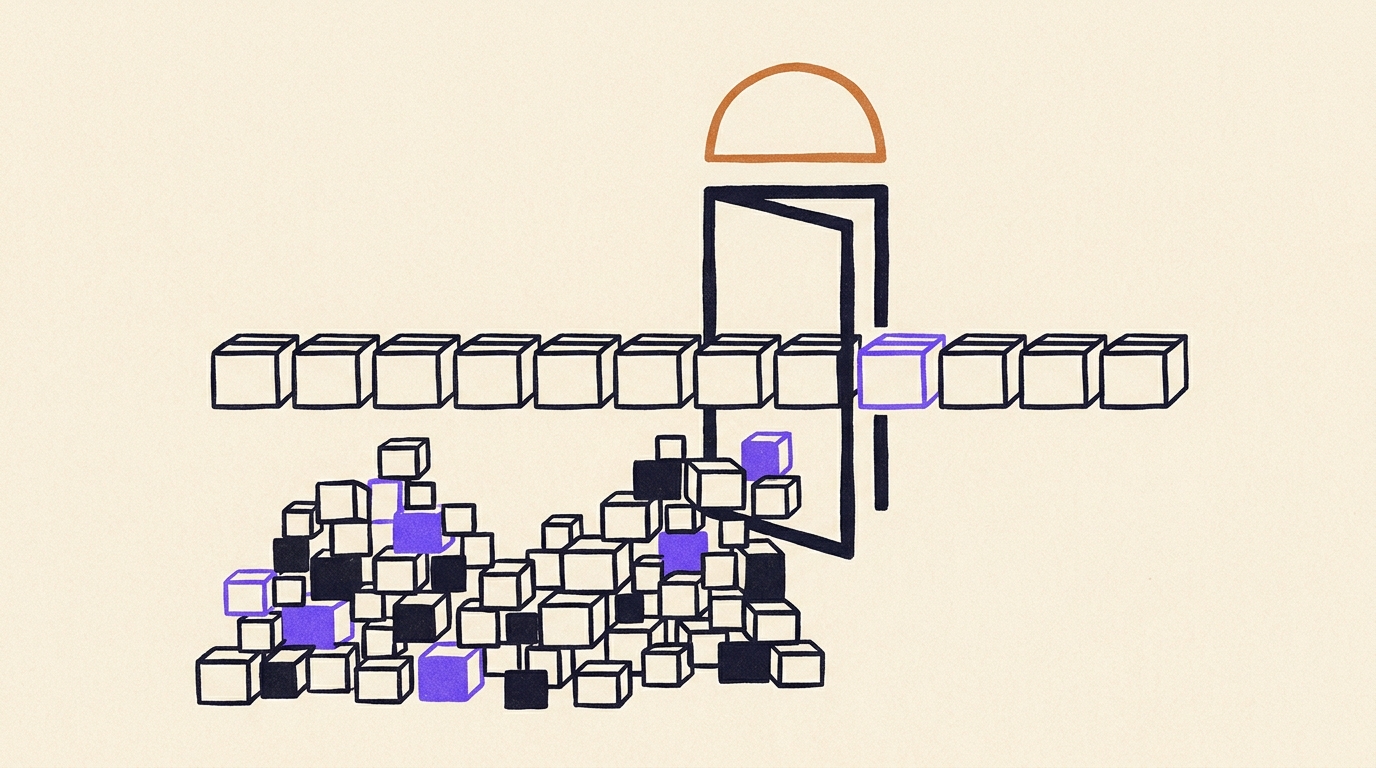
Why enterprise workflow automation stops at ten processes.
72% of process automation leaders say their programs cannot keep pace with change inside their own company (Camunda, 2025). A routine worth four hours a week rarely justifies the review and testing an enterprise request needs.

Small business workflow automation that stays running.
Microsoft tells Power Automate owners to check run history weekly and says unused connections expire after about 90 days (Microsoft documentation). Small firms tend to lose automations in month four, when that check has no owner.

How to make automation that keeps working after launch.
A renamed form field wrote blanks into a CRM for nine days before anyone noticed. Firms spending 20% or more of IT budget on automation cut targeted process costs by 17%, and those under 5% by 7% (Bain).

How to automate copy-paste tasks your team keeps doing.
If a task fits one sentence with when, from and to, it can be automated. Manual data entry costs about $28,500 per employee a year (Parseur and QuestionPro, 2025), with a formula to run the numbers for your team.
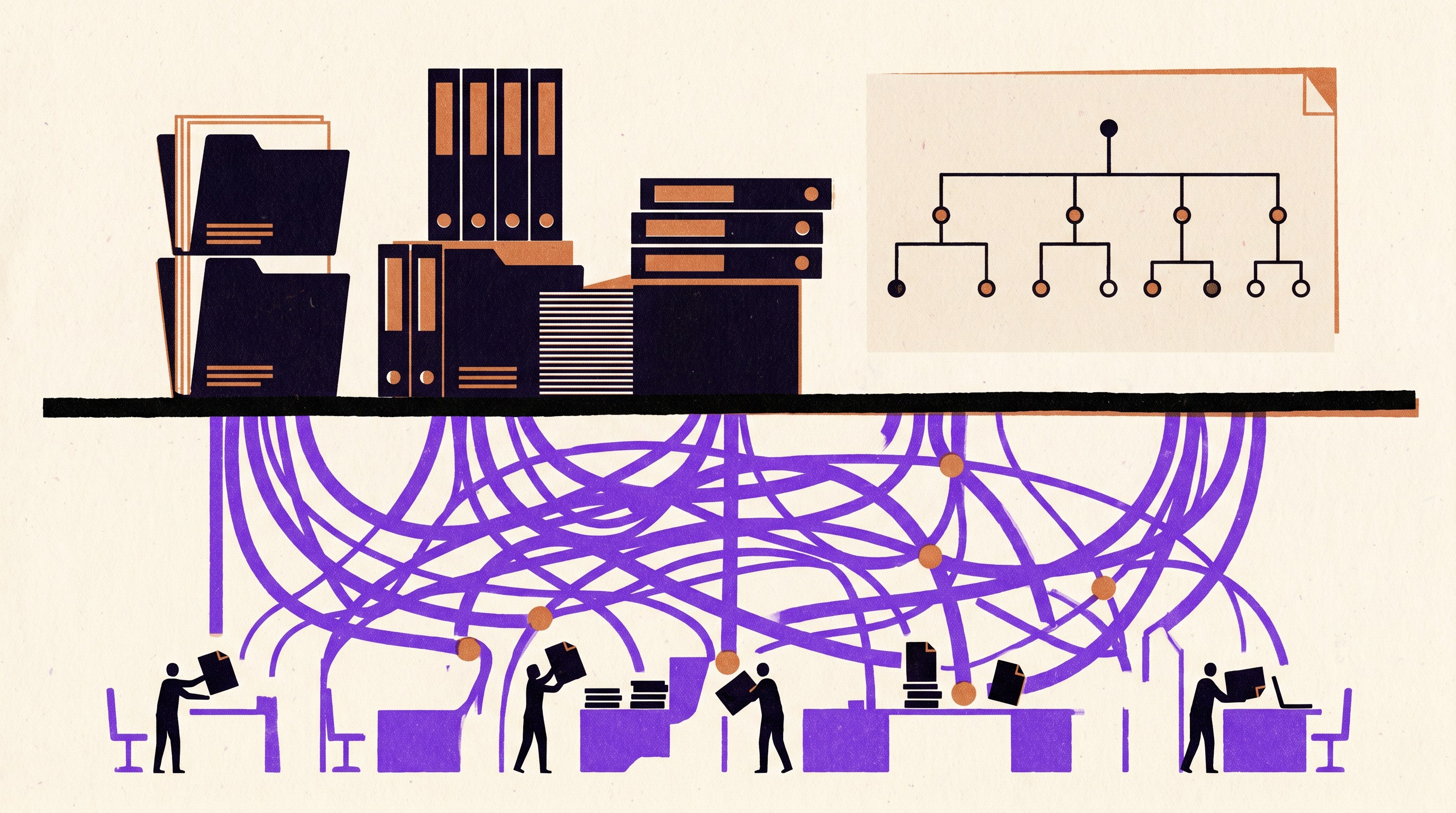
The hidden workflows that run your company.
Ask each team lead what they did before 10am, and the undocumented routines start to surface. For sales development reps, admin takes 41% of working hours (Bridge Group, 2024).
Why automated processes stop working
In most processes the manual step is a handoff: a person reads data in one app and types it into another. MuleSoft's 2026 Connectivity Benchmark found the average organization runs 957 applications and has integrated 27% of them, so people carry the data between most of them. An automation that replaces the handoff needs fixing whenever either end changes, such as a renamed form field or a new invoice layout from a supplier.
Who does that fixing decides how long the automation lasts. Only 14% of EU firms with 10 to 49 employees employ an IT specialist, against 78% of large firms (Eurostat, 2024 data), so in smaller companies the repairs land on someone with another job. Our agents are mostly tested code that moves and checks the data, with AI only for steps that read something messy, like a scanned PDF or a free-text email. We run them and fix them when a connected app changes.
Source: Eurostat, 2024 data
Source: Bain, survey of 906 automation executives
Questions about business process automation
What are some examples of business process automation?
Common ones are a supplier invoice read and posted to the ERP, an emailed purchase order turned into a sales order, a signed offer that sets up the new hire in payroll and email, and an inbound lead that gets enriched and assigned to a rep. Each has one step where a person reads data in one system and types it into another, and that is the step the automation takes over.
How is business process automation different from robotic process automation (RPA) and business process management (BPM)?
BPM is the practice of mapping and improving how work flows, and it produces diagrams and owners. Business process automation takes the human steps out of that flow. RPA is one way to do it: a bot clicks and types in a system's screens, which helps when a system offers no other way in and breaks when those screens change.
Which process should we automate first?
Pick the routine that runs most often, moves data between two systems you already use and fails in a way someone can name, such as a lead left unassigned. A quick test for whether a step is rule-based: two experienced people given the same input would produce the same output. Check both ends before planning the middle, because a source that exists only as an emailed PDF or a desktop spreadsheet makes the build longer.
Do we need a developer to automate our processes?
Not to build a simple flow between two apps. Keeping it running is the harder part, because logins expire and connected apps rename fields or change how they work. Microsoft's Power Automate documentation advises checking run history every week, and someone has to own that check and the fixes that follow.
What does business process automation cost?
The license tends to be the smaller line. The larger costs are your team's hours spent building flows and repairing them when apps change, plus pricing that grows with headcount or bills for failed retries. Uplift charges a flat price per package of agents, with no seats and no tokens, and our team does the building and the repairs.
Automation for each team, built and run for you.
We build the agents that move data between the apps each team already uses, from CRM updates and invoice matching to new-hire setup, run them for you and keep them working when those apps change.