Go-to-market automation
Go-to-market automation is software that does the repeat work around selling: filling in missing lead data, routing leads to the right rep, keeping CRM records current and building pipeline reports for revenue operations (RevOps). For example, an inbound lead with only a name gets its company size, a verified email and an owner before a rep opens it.
8 articles · latest October 11, 2026
Start with lead enrichment

A Clay alternative that runs your lead enrichment.
Apollo, ZoomInfo, Clearbit and Clay, compared on the column most lists skip: who runs the enrichment after setup. With contact data decaying about 22.5% a year (ZoomInfo), that job keeps coming back.

What a waterfall enrichment workflow really costs you.
Clay says a provider waterfall lifts contact coverage from about 30% to 80% (Clay), a vendor figure with no published method. Five stages, from trigger to CRM sync, and where each one leaks credits.
CRM upkeep, the sales process and revenue operations

AI-powered sales automation: what to hand off, what to keep.
A three-question test for which sales tasks to hand to an agent and which a person keeps. Data is the usual blocker: 46% of sellers already using AI agents say data quality hurts their sales (Salesforce, 2026).

CRM workflow automation and the work it can't reach.
CRM users and admins in Validity's survey put their average loss to bad data at 16 deals a quarter (Validity, 2025). A CRM rule can act only on fields the CRM holds, and the costly routines usually cross into a second system.

Sales process automation that doesn't rot in month six.
Six ways a sales automation breaks after launch, the costliest being a job that matches zero records and reports success. 74% of sales teams running AI already prioritize data hygiene to keep it usable (Salesforce, 2026).
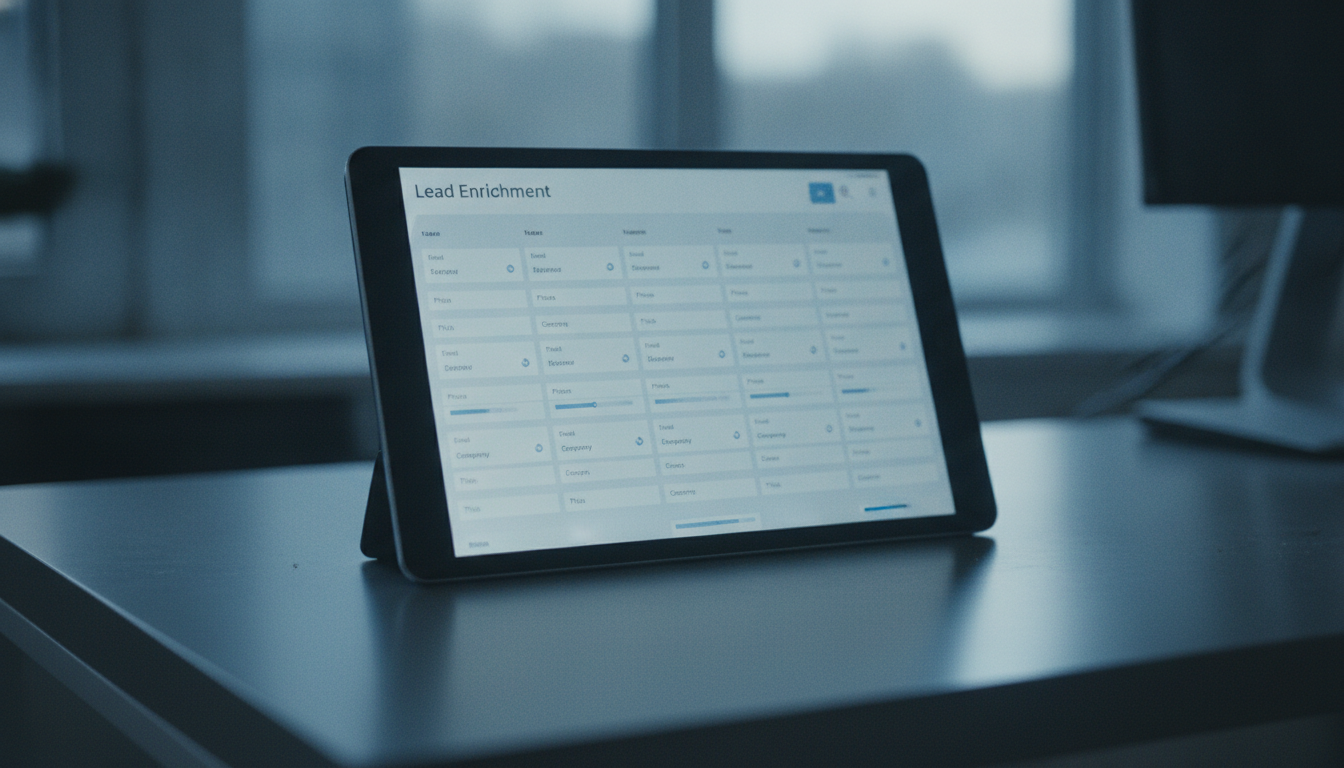
Automated lead enrichment your sales ops shouldn't run.
Written for the sales ops analyst who still enriches the overnight leads by hand. 44% of CRM users say poor data quality costs them more than 10% of annual revenue (Validity, 2022).

AI workflow automation for RevOps - without the upkeep.
Reaching a lead within five minutes makes qualifying it about 21 times likelier than waiting 30 (Harvard Business Review, 2011). Includes four checks a routing workflow needs, down to a log of each decision.
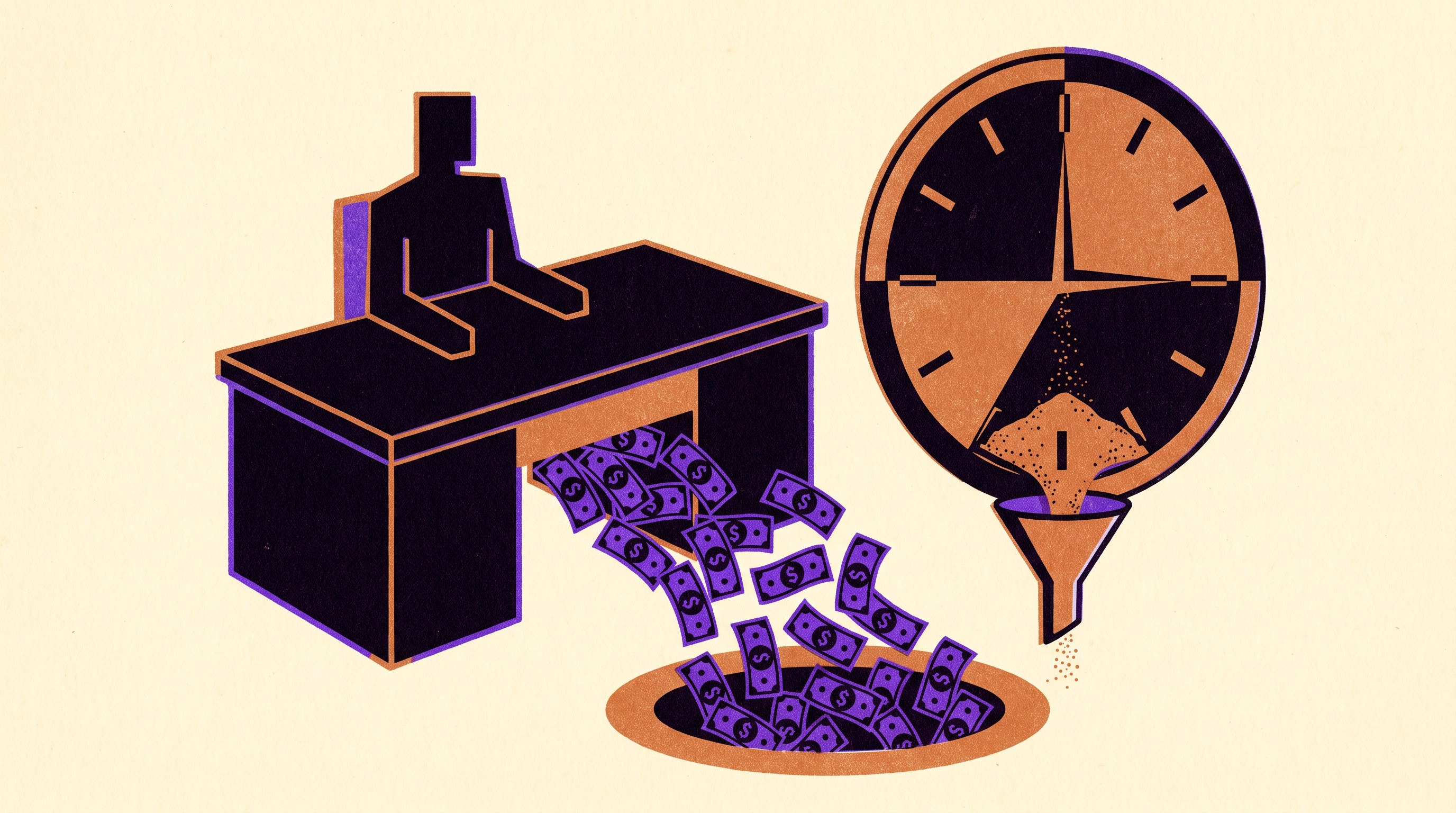
The $150K your sales team is losing to manual work.
Sales development reps (SDRs) spend 41% of their working time on admin (Bridge Group, 2024), about $164,000 a year in wages for a team of five. The article gives the formula to run on your own salaries.
Why go-to-market automation stalls on CRM data
Salesforce's State of Sales survey of 4,050 sellers puts about 60% of a rep's week on work other than selling, much of it CRM entry and account research. Automating that work pays off only when the records underneath are right. In Validity's 2025 survey of CRM users and admins, 76% said less than half of their data is accurate and complete. Enrichment and routing built on those records spread the errors faster.
The records keep moving after launch. Contacts change jobs and data providers retire endpoints. A renamed CRM field can leave a rule matching zero records while it reports success. Our agents are mostly tested code that looks up the account, removes duplicates, routes the lead and writes back to the CRM, with AI only where a prospect's reply or a call transcript has to be read. We run them for you and fix them when a provider or a CRM field changes.
Source: Salesforce, State of Sales 2026
Questions about go-to-market automation
What does go-to-market automation cover?
The repeat work between a new lead and a signed deal: enriching and routing leads, keeping CRM fields and stages current, logging calls and meetings, assembling quotes and building pipeline reports. Invoices, payroll and order entry belong to back-office automation, which has its own topic.
Which go-to-market routine should we automate first?
Pick one that repeats at least weekly, follows a rule someone can write down in a paragraph, and produces output a person can check in under a minute. Inbound lead routing and logging calls into the CRM usually qualify. Pricing exceptions and contract language reach customers, so keep a person on those.
Do we need clean CRM data before we automate?
Fix the worst of it first, because an automation acts on whatever the record says. A routing rule that reads a six-month-old owner field assigns live leads to the wrong rep. Start with routines whose inputs you can check, and make one of the first a cleanup job that merges duplicates and records which system owns each field.
Why do sales automations stop working after a few months?
The sales process keeps changing, and the automation stays as it was built unless someone owns the updates. A renamed CRM field or a provider that retires an endpoint can stop a rule from matching without raising an error. The job still runs on schedule and reports success while nothing gets updated.
How is Uplift different from the automation built into our CRM?
CRM workflow rules suit steps that start and end inside the CRM, such as stamping a close date or creating a handover task. The routines that take the most hours usually also touch billing, the product, an enrichment provider or the inbox. Uplift's team builds agents for those, runs them across your tools and keeps them working when one of the tools changes.
Sales automation, built and run for you.
We build the agents for prospect research, lead enrichment and routing, CRM hygiene and activity logging, run them inside the CRM you already use, and keep them working when your tools or the AI models change.