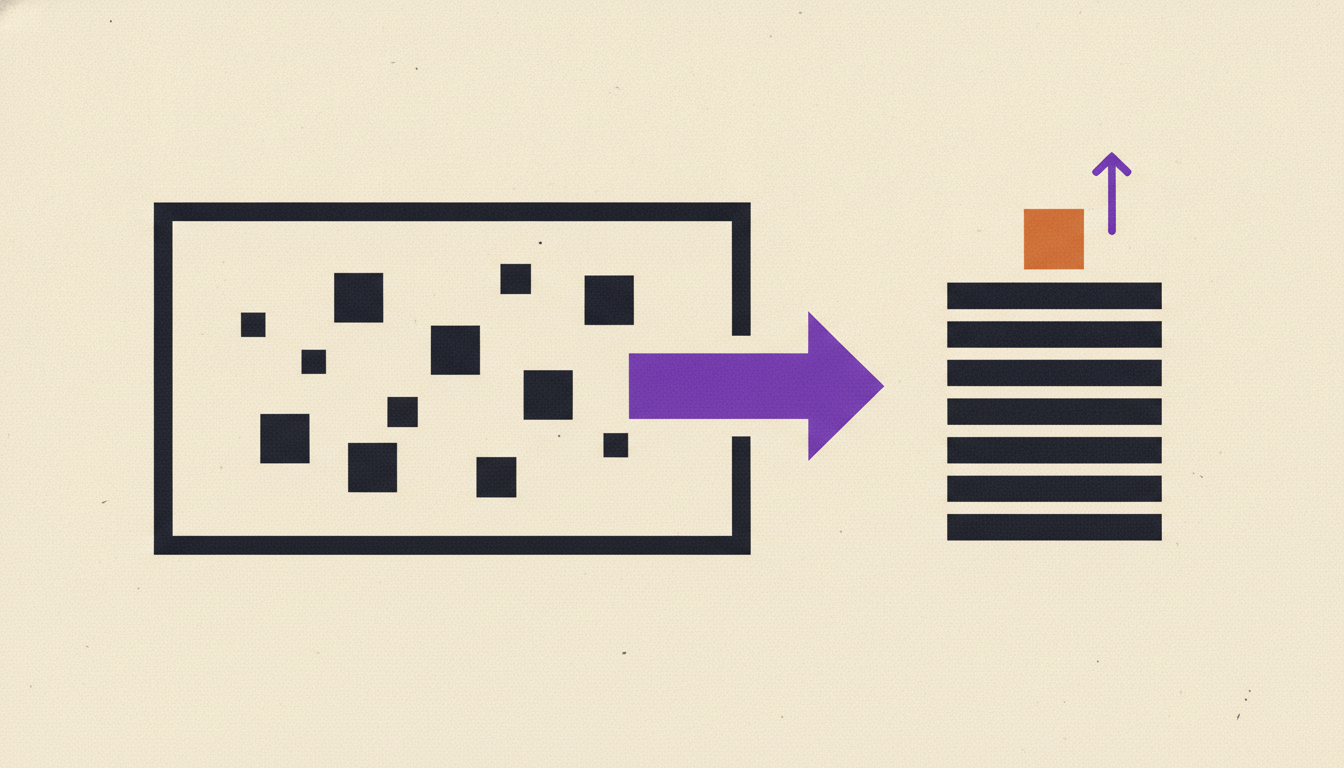
A PDF invoice lands in a shared inbox. Someone opens it, reads the vendor name, the total, the PO number, the line items, and types all of it into the accounting system. Then they do it again for the next one. And the one after that. By the time the month closes, a person has hand-keyed a few hundred documents that a machine could have read in seconds.
The gap between the teams that fixed this and the teams that didn't is not small. Ardent Partners' benchmarks put the best-performing accounts payable teams at $2.78 to process a single invoice, against $12.88 for everyone else. Same document, same task, more than four times the cost.
Most guides on automated PDF invoice processing SaaS stop at "here are ten tools, pick one." That skips the two questions that actually decide whether this works: why PDF invoices specifically break the software, and who keeps the automation alive after the demo ends. This is about both.
How does automated PDF invoice processing work?
Automated PDF invoice processing reads the data off an invoice, checks it against your records, and pushes it into your accounting system without a person retyping anything. The software extracts fields like vendor, amount, dates, PO number, and line items, matches them to a purchase order and receipt, then routes the invoice for approval or payment.
The engine underneath is OCR plus a layer of AI that has learned what invoices look like. On clean, machine-readable documents that accuracy is genuinely high, and it is also where the marketing quietly ends.
The five steps every vendor draws the same way
- Capture: the PDF arrives by email, upload, or a scanned batch
- Extract: OCR and AI pull the fields off the document
- Match: the invoice gets checked against the PO and the goods receipt (three-way matching)
- Approve: it routes to whoever signs off, based on amount or department
- Pay: the approved invoice syncs to the ledger and the payment run
Every tool on the market draws this exact pipeline. The diagram is not the hard part. The hard part is what happens at the "extract" step when the PDF isn't clean, which is most of the time.
PDF invoices break where the demo never looks.
PDF invoices are hard because a PDF is not a data format - it's a picture of a document, and every vendor draws it differently. A clean digital invoice from a big supplier extracts easily. A scanned copy, a photographed receipt, or a small vendor's custom layout is where the accuracy numbers quietly drop and a human gets pulled back in.
This is the reality no product page admits. The 99% accuracy figure describes the easy inputs. Your actual queue is a mix of formats, quality levels, and layouts that no two vendors agree on.
Where extraction actually breaks
Line items are the classic failure. A total is a single number in a predictable spot. A table of twelve line items with quantities, unit prices, tax codes, and descriptions is a structure the software has to reconstruct from pixels, and it gets it wrong often enough to matter.
Then there are the messy inputs: a supplier who emails a photo of a paper invoice, a scan that came through crooked, a layout the vendor redesigned last quarter. Each one is a small reset that lands a document back on a person's desk.
The maintenance nobody demos
Vendors change their invoice formats. A new supplier joins with a layout the tool has never seen. The accounting system adds a required field. Each change is a small break in the automation, and someone has to notice it, diagnose it, and retrain or reconfigure the tool.
That someone is usually the AP clerk who had the manual problem in the first place. It's the same pattern we described in how to stop manual data entry between your apps: the tool doesn't remove the work. It moves it from typing to babysitting.
How much does it cost to process an invoice manually vs automated?
Manual invoice processing costs several times what automated processing does, and the errors it introduces cost more on top. Ardent Partners benchmarks best-in-class AP teams at $2.78 per invoice versus $12.88 for everyone else, and best-in-class teams also clear invoices in 3.1 days against 17.4 days for the rest.
The error tax sits underneath the labor cost. Hand-keying invoice data carries a roughly 3.6% error rate, and each error costs about $53 to find and fix, per IOFM figures reported by Brex. A wrong amount or a duplicated invoice isn't a typo you shrug off - it's a payment run to unwind.
The exception rate is the real number
Averages hide where the money goes. Best-in-class AP teams carry a 9% invoice exception rate, against roughly 22% for their peers. Every exception is a document that stopped, waited, and needed a human to chase a mismatch, a missing PO, or a vendor question.
The cost of low automation shows up as headcount you're paying to work the exception queue. For a fuller breakdown of what manual routines cost across functions, see the hidden cost of low AI adoption.
What is straight-through invoice processing, and why do most teams miss it?
Straight-through processing (also called touchless processing) is when an invoice goes from arrival to approved-for-payment with no human involved. It's the actual goal of automation, and most teams get nowhere near it. Roughly two-thirds of invoices still require a human to touch them.
That is the honest ceiling on "we automated invoices." Best-in-class teams run touchless processing at more than double the rate of their peers, and even they don't hit 100%. The difference between a tool that automates the easy 40% and one that works the hard tail is the difference between a demo and a result.
Happy-path automation vs the exception queue
Most software is built for the happy path: clean invoice in, matched PO, straight to approval. It looks great in a demo because demos use clean invoices.
The exceptions are where teams live. The invoice with no PO. The amount that's $40 off the receipt. The vendor who bills in a currency the system flags. Software that only handles the happy path leaves the expensive half of the queue exactly where it was.
What you actually own when you run invoice automation on ServiceNow.
You can, but understand what you're signing up for. ServiceNow's Accounts Payable Operations uses its Document Intelligence layer to read invoices and run matching on-platform. The capability is real. The question is who builds the workflow, who configures it, and who owns it when a vendor changes their format.
An enterprise platform is an engine and a toolbox. It assumes you have the ServiceNow licensing, the Source-to-Pay module, and the IT team to implement, configure, and maintain the whole thing. The software is capable; the burden of making it fit your process and keeping it fit is yours.
The build-and-maintain tax is the hidden line item
This is the trade every platform makes and none of them put on the pricing page. You get a powerful system, and you become the person responsible for it. When a supplier redesigns their invoice, when your ledger adds a field, when a new exception type shows up, the fix routes back to your team. We laid out this build-versus-buy reality in the taxonomy of manual, automated, and agentic workflows.
For a 50 to 500 person company without a dedicated AP automation team, that maintenance load is the reason automation projects stall after the pilot. The tool works on day one. Keeping it working on day 200 is the job nobody scoped.
How do you automate PDF invoices without becoming the maintainer?
You describe the invoice routine you want gone, and someone else builds, runs, and maintains the agent that handles it - including the messy PDFs and the exceptions. That's the line between a SaaS platform you operate and a done-for-you service that operates for you.
A platform hands you extraction, matching, and routing, then leaves the configuration, the exception rules, and the upkeep on your desk. A done-for-you agent inverts it. You say what happens to an invoice when it arrives, and the building and the maintaining aren't your problem - not when a vendor changes their layout, not when your accounting system updates, not at 9pm during close.
This is the gap Uplift is built for. You describe how your team handles PDF invoices - where they arrive, how they should be matched, who approves what, what counts as an exception - and we build the agent that runs it, then keep it running as vendors, formats, and APIs change. The maintenance that turns "we automated invoices" into "we have to fix the invoice thing again" never becomes your job. For a function-by-function view of what that looks like, see the team pages, and for the broader pattern of invisible manual work, read about the hidden workflows that run your company.
Frequently asked questions
Can PDF invoices be processed automatically?
Yes, but with a caveat. Clean, machine-readable PDFs from established vendors extract at 95-99% accuracy. Scanned copies, photographed invoices, and non-standard layouts are where OCR accuracy drops and a human gets pulled back in. The real test of an automated PDF invoice processing SaaS is how it handles the messy tail, not the clean demo file.
How much does it cost to process an invoice manually versus automated?
Ardent Partners benchmarks best-in-class AP teams at $2.78 per invoice against $12.88 for everyone else - more than four times the cost for the same document. Manual keying also carries a roughly 3.6% error rate at about $53 per error to fix (per IOFM), so the true cost of manual processing is labor plus the downstream cleanup.
What is straight-through (touchless) invoice processing?
Straight-through processing is when an invoice moves from arrival to approved-for-payment with no human involvement. It's the goal of automation, but roughly two-thirds of invoices still require a human touch across all buyers. Even best-in-class teams don't hit 100%, so the honest measure of a tool is how much of your exception queue it actually clears.
Do I need to configure or code anything to automate PDF invoices?
With a platform like ServiceNow or a DIY tool, yes - you configure the workflow, set the exception rules, and maintain it as vendors and formats change. With a done-for-you service like Uplift, no. You describe the routine in plain language, and the agent is built, run, and maintained for you. You never touch a configuration screen.
What is 3-way matching in accounts payable?
Three-way matching checks an invoice against its purchase order and its goods receipt before payment, confirming you're paying for what you ordered and received. It's a core step automated invoice processing handles, and it's also where exceptions surface - a mismatch in quantity, price, or a missing document stops the invoice and needs resolution.