Workflow automation software is older than the cloud. The first business process management suites shipped in the late 1990s, and a company that bought one then could already route an approval, fire a notification and move a record between two systems without a person carrying it. The category has had almost thirty years to mature, and the honest verdict is that it has. The products work.
That concession matters, because the problem a buyer faces in 2026 is no longer whether workflow automation software can run a routine. It can, and the cheapest tier of the cheapest product will prove it in an afternoon. The problem is that the time it promises to give back mostly never arrives, and the reasons have little to do with the feature table.
This article explains what the software does, how its three generations differ, and how much routine time is on the table. It then explains why so much of what gets bought goes unused, and ends with a two-week test you can run before signing anything, with no vendor in the room.
What is workflow automation software?
Workflow automation software is software that runs a business routine on a trigger or a schedule instead of waiting for a person to do each step. A form submission creates a record, the record starts an approval, the approval sends an email, and the email's reply updates a spreadsheet, with nobody opening four tabs in between. The product supplies the connectors to your other applications, an editor for the logic, a log of every run and a rule for what to do when a step fails.
The phrase covers everything from a free Zapier account to a six-figure enterprise orchestration suite, which is why the comparison pages run to eighteen products and still disagree. What the products have in common is the shape of the job: a trigger, a sequence of steps, and connections to the systems where the data already lives. What separates them is who is expected to draw the sequence and who repairs it when one of the connected systems changes.
The newest products put a language model inside the flow and sell the result as an AI agent. The model widens what can be automated, because it can read an email or a PDF that a rule could not. The shape of the job stays the same, with one difference: a rule either matches or it does not, while a model guesses, and a guess is sometimes wrong. A later section covers what that does to reliability.
Three generations of the category, and what each still does well.
The software you can buy today comes from three distinct lineages, and knowing which one a product descends from predicts how it will behave better than its homepage does.
The first generation is the business process management suite, built for large companies with IT departments. It models an end-to-end process with swim lanes and approval chains, runs on the company's own servers or a private cloud, and is licensed per user or per process. It still does the heavy, regulated work well: a purchasing process with six sign-off levels, or a claims process that has to be audited. It is slow to change and nobody outside IT touches it.
The second generation arrived with cloud applications and is the one most people picture. Integration platforms connect web apps to each other through a visual editor and charge by the task or the execution. They are fast to start and cheap at low volume, and they moved automation out of IT and onto the desk of whoever was willing to try. A separate piece compares the workflow automation platforms in this generation on cost and on who runs them after purchase.
The third generation is the one adding AI steps, and it is less a new product than a new node inside the second generation's editor. Robotic process automation sits slightly apart from all three. It clicks and types into an old application exactly as a person would, and it earns its place wherever a legacy system still holds the data and offers no other way in. The useful question for a buyer is which generation matches the routines they want to run.
How much time is there to win back?
Roughly four hours in every ten, on the two largest independent measurements published since 2024. Slack's Workforce Lab surveyed 10,281 desk workers across six countries in January 2024 and found they report spending 41% of their time on tasks that are low value, repetitive or outside their core job. Deloitte's 2025 Global Human Capital Trends asked nearly 10,000 business and HR leaders in 93 countries and got the same figure: 41% of the day spent on work that does not contribute to the value the organization creates.
The two surveys measured different people. One asked the workers doing the tasks, the other asked the leaders paying for them, and they landed on the same number from opposite ends of the org chart. Asana's State of Work Innovation survey of more than 13,000 knowledge workers put the share higher, at 53%, because it counted a wider category it calls busywork: communicating about work, searching for information and chasing the status of tasks. The three figures do not contradict each other; each draws the boundary of "routine" at a different width, and the narrowest of them is still four hours in ten.
Not all of that time is automatable, and anyone who tells you it is has not looked closely. A share of the 41% is judgment that happens to be boring, and a share is coordination that software makes faster without removing. The automatable part is the subset with a written rule and a known trigger: the status chase that could be a notification, the retyping that could be a sync, the weekly report that could assemble itself. In most companies that subset is still large enough to be worth the exercise in the final section.
Why does most workflow automation software end up underused?
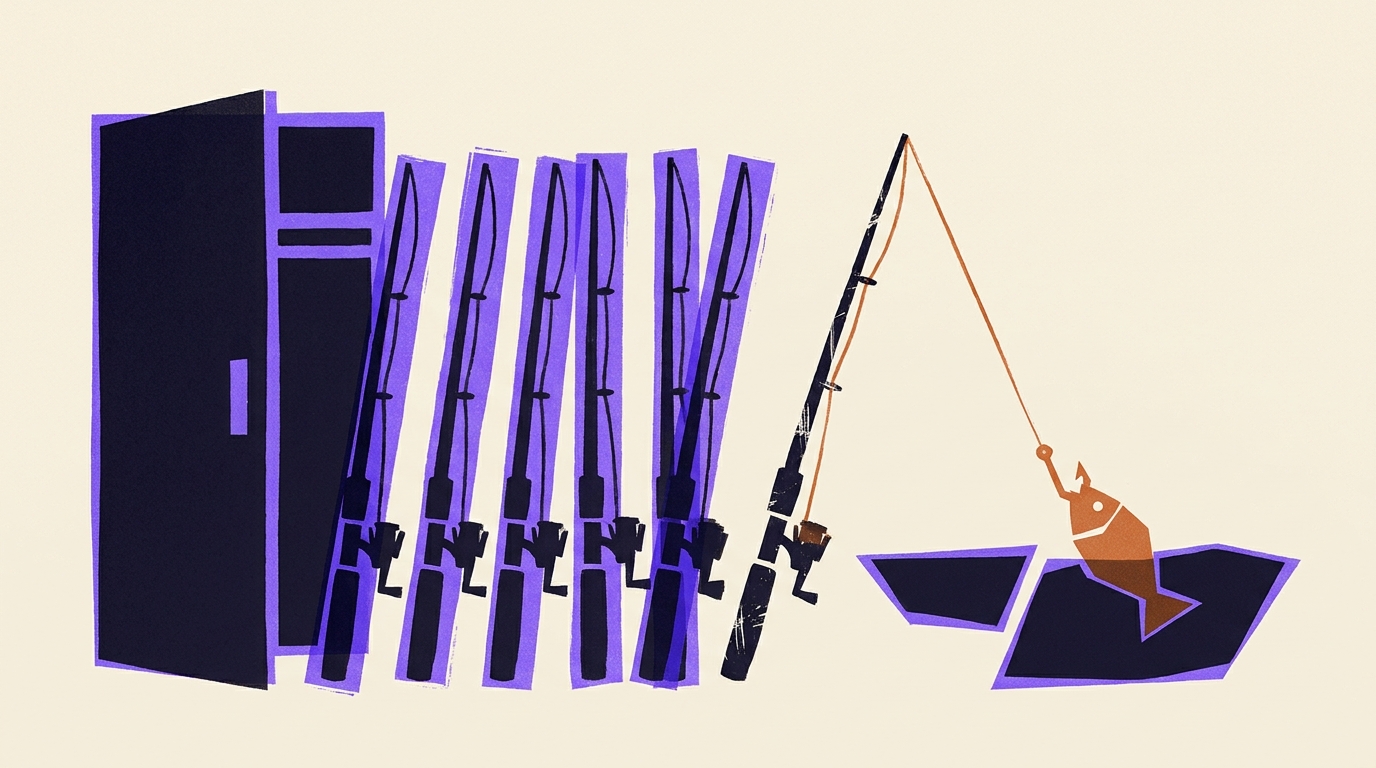
Because the purchase assumes someone inside the company will build with it, and in most companies almost nobody does. Forrester's research on low-code platforms puts uptake below 15%: of the employees handed such a tool, more than 85% never build anything with it. A department of thirty gets the licence and four of them ever build anything. That is the oldest problem in the category, and the editors getting friendlier has not solved it: buying everyone a rod does not make a company of anglers, and most rods stay in the closet.
The second reason is the number of things the software has to connect to. MuleSoft's 2025 Connectivity Benchmark, a survey of more than 1,050 IT leaders, found the average enterprise now manages 897 applications and only 29% of them are integrated. The same IT teams reported spending 39% of their time building custom integrations, including automations. Every routine worth automating touches several of those 897, and each one changes on its own schedule. The one person in the department who did pick up the tool is also the one who gets the broken-run email, and after the tenth repair the tool starts to look like a second job.
The third reason is that the AI generation inherited both problems and added one. BCG surveyed 1,000 senior executives in 2024 and found 74% of companies had yet to show tangible value from AI, with only 26% having built the capability to move beyond proofs of concept. Read alongside the Forrester figure, the pattern is the same one a generation later. The tool gets easier, the adoption stays with a minority, and the gap between what was bought and what runs stays open. Our earlier piece on the hidden workflows nobody writes down covers why the routines that would pay back most are the ones least likely to reach the editor.
Who is going to operate it?
Decide this before you compare products, because it decides which products are even relevant. There are three honest answers, and the table below is the short form of what each one costs. Your own staff operate it, in which case you are buying an editor and should test whether the one-in-seven who will use it is actually on the payroll. An outside builder operates it for a project, in which case you are buying a set of flows on your account and should plan for the day the builder leaves and the flows need changing. Or a service builds and runs the routine for you, in which case you are buying the working result and the editor never enters the building.
| Who operates it | What you buy | What you hold afterwards | The cost nobody puts on the slide |
|---|---|---|---|
| Your own staff | An editor and a licence | The flows, on your account | The one-in-seven who will use it, and their hours every week |
| An outside builder | A project | The flows, built by someone who left | The change that arrives after handover |
| A managed service | The working, maintained routine | Nothing, once the plan ends | The routines stop when the plan does |
Uplift is the third answer. A customer explains the routine in plain words; we then build it from tested code, put it into service, watch the log, and fix it when one of the connected applications changes. The organization gets unlimited access with no seats, no meters and no tokens, so the invoice at month end is the one you signed for, and nobody is rationing which routines deserve to run. When a company does not know where to begin, the Brainstormer looks at each role and suggests which of its routines are worth handing over. Its suggestions come from a library of more than ten thousand real-world automations that people in roles like yours have built. The page for your team shows what that looks like from inside a company that chose it.
The cost of that model, stated as plainly as the others: no codebase is left in your hands at the end, and the routines stop when the plan does. A company that wants an asset at the end, with an IT team ready to inherit it, is better served by a development shop that hands over the code. We have no written exit terms to quote, so the fair question to put to any supplier offering a run-it-for-you arrangement, Uplift included, is what remains yours after the plan ends. A vague answer is a no.
One more thing to settle before choosing a product is where the AI steps sit. Take a routine of ten steps and give each step a 95% chance of being right. The share of runs that come out fully correct is 0.95 raised to the tenth power, which is 0.599, so four runs in ten carry an error somewhere. Every language-model step in a chain is a probability, and a product that scatters them through the flow is multiplying them. That is why Uplift builds routines from 95% tested code and 5% AI, with the model used only where the input is unstructured, as described on how we build. Our piece on intelligent workflow automation works through where the AI step belongs and where it breaks the arithmetic. Whichever route you take, ask how many probabilistic steps the routine contains.
A two-week test before you sign anything.
Pick one routine and measure it for ten working days. Choose the one your team complains about most, write it down as step-by-step instructions for someone on their first day, and keep a tally of every time it runs and how long each run takes. You will have three numbers at the end: the length of the instructions, the run count, and the hours. No vendor is needed for any of them, and together they answer most of the questions a demo cannot.
The instructions are the first filter. If they fit on a page and a newcomer could work through them without asking anyone, the routine is a candidate for any generation of workflow automation software, and the choice between products comes down to who will operate it. If the page runs to five, or keeps saying it depends, the routine is a process problem wearing an automation costume, and buying software will produce the wrong result faster. Fix the process first.
The run count and the hours decide whether the routine is worth anything. A routine that fires four times a quarter rarely repays its build on any platform. One that fires forty times a day and takes six minutes each is 40 hours a week, which is a person, and that number is worth putting in front of whoever signs. Multiply by the number of routines like it across the company and you have the real size of the 41%.
The test has one limit, and it is worth naming. It measures the routines your team already knows about, and the ones that cost the most are often the ones nobody has named because they have always been done by hand. A tally will not find those. Asking each role what it does on Monday morning before real work starts sometimes will, and that is a reasonable thing to spend the second week on.
Frequently asked questions
What is workflow automation software?
Software that runs a business routine on a trigger or a schedule instead of a person doing each step by hand. It connects your existing applications, moves data and approvals between them according to rules you define, logs every run, and retries or alerts when a step fails. Products range from free per-task tools to enterprise process suites.
What is the best workflow automation software?
It depends on who will operate it. Someone in the business connecting a handful of cloud apps is best served by a visual, per-task tool. A company with developers and regulated processes is better served by an orchestration or process management suite. A company that wants the routines running without building or maintaining them is better served by a managed service such as Uplift. Decide the operator first, then shortlist.
How is workflow automation software different from business process management?
Business process management suites model a whole end-to-end process, with approval chains and audit trails, and are run by IT. Workflow automation software in its cloud generation connects individual applications and runs single routines, and is usually set up by the people who do the work. The suites suit regulated, multi-level processes; the cloud tools suit the many small routines around them. Larger products now cover both.
Do I need technical skills to use workflow automation software?
Running a routine someone else built takes none. Building one ranges from an afternoon with a visual editor to real development work on an orchestration suite, and the skill needed to fix a routine after a connected app changes is the same skill it took to build it. The practical question is whether that person exists on your payroll with hours to spare, and if not, whether you want to buy the routine already running.
Which workflows should a company automate first?
The ones with a written rule, a known trigger and a high run count. Status chases, retyping between systems, and recurring reports usually qualify. Measure a candidate for ten working days: if the instructions fit on a page and it runs often enough to add up to real hours, it is a good first routine. Skip anything that depends on judgment or runs a few times a year.