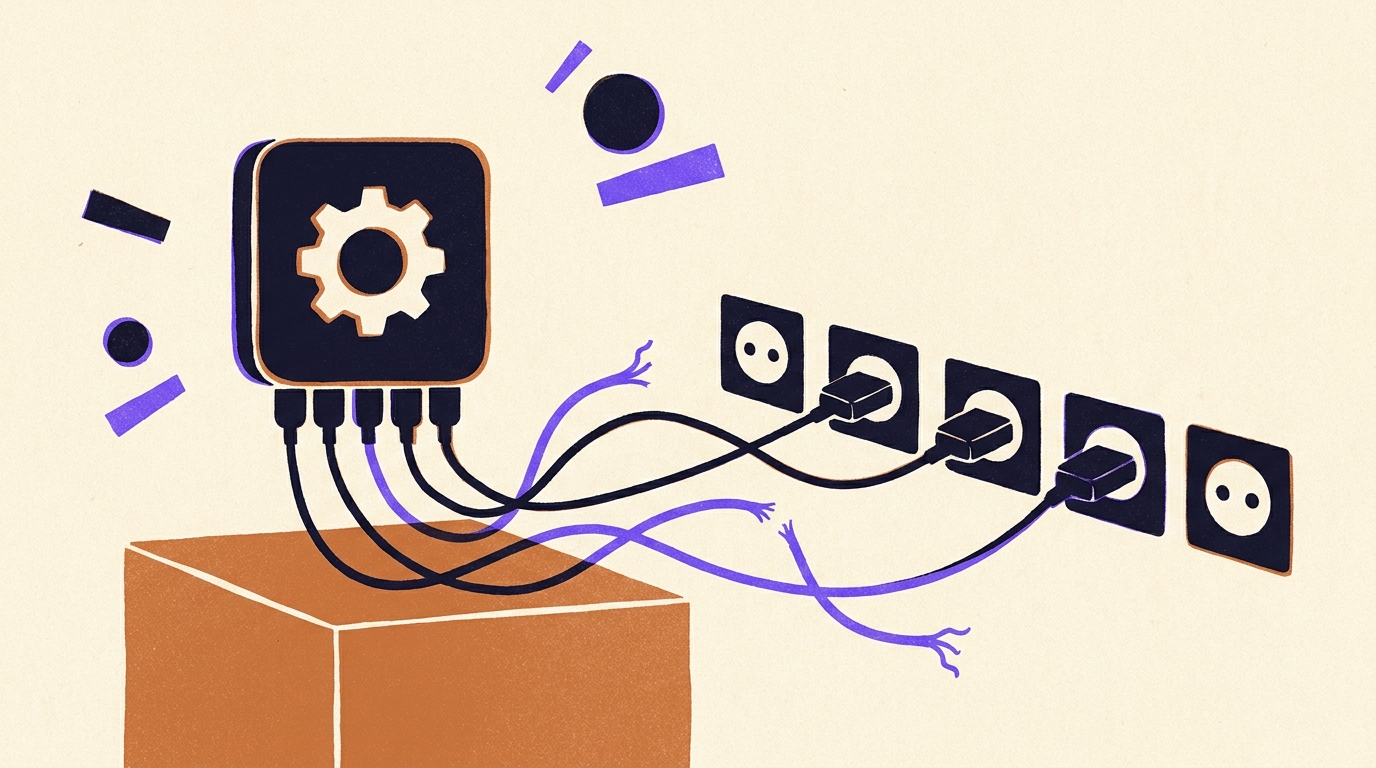
The App Store opened on 10 July 2008 with 500 applications, and Apple's "There's an app for that" ads followed within a year. Since then the word has carried a promise: you install it, you tap it, it does the thing. An AI automation app borrows that promise and attaches it to a much larger job, running part of your company's routine work without you.
The promise is roughly half true. The app does run the routine. Before that, somebody has to describe the routine in a form software can follow, connect it to the systems the data lives in, and then keep it connected as those systems change under it. Download is the shortest step in the sequence, and the one the search results spend the most words on.
This article covers what an AI automation app is, how much of the automating it does on its own, why the connected parts keep breaking, and the three ways to get one running. It ends with a rule for choosing that does not depend on any supplier, this one included.
What is an AI automation app?
An AI automation app is software that carries out a repeated business routine across your other systems, and uses a language model for the steps a fixed rule cannot handle. The routine might be reading inbound emails and creating tickets, pulling orders from a web shop into the accounting system, or chasing a supplier for a missing document. The AI part reads, classifies or drafts. The rest is ordinary code moving data between applications.
That second half is where the word "app" misleads. A calculator app is complete when you install it. An automation app is complete when it is wired to your CRM, your inbox, your spreadsheet and your ERP, with the right permissions, the right field mappings and a rule for what happens when one of them answers with an error. None of that ships in the download.
The products that rank for the phrase cover a wide range. Some are single-purpose tools with a fixed job, a meeting note-taker or an email sorter. Some are general platforms where you draw the routine yourself, the Zapier, Make and n8n family, and these dominate the listicles. A third kind is barely an app at all: a service that builds and runs the routine for you and gives you a screen to watch it. All three answer the search. They put very different amounts of work on your side of the table.
How much of the automating does the app actually do?
The app does the running. A person does the building, the watching and the repairing, and the share of those three that falls on you depends on which kind of app you chose. There is no version of an AI automation app in which all four are the software's problem, whatever the landing page implies.
Build is the part demos show. Describing the routine, choosing the trigger, mapping "customer_id" in one system to "Account Number" in another, deciding what the model may decide alone and what a person must approve. On a self-serve platform this takes an afternoon for a simple routine and weeks for anything with branches and exceptions. In every published listicle for this keyword the build effort sits in a cons bullet, if it appears at all.
Watch is the part nobody budgets for. An automation that runs 400 times a month will produce a few runs that fail, a few that succeed with the wrong data, and occasionally a quiet stop that nobody notices until the downstream team asks why their queue is empty. Someone has to look at the run log, know what a bad run looks like, and own the fix. Zapier's own comparison of self-hosted n8n says it plainly: setup, maintenance, security patching and troubleshooting are on you, including when something breaks at 2 a.m.
Repair is the part that recurs for as long as the automation lives. The next section explains why.
Why do automations break after the app is installed?
Automations break because the systems around them change, and the number of those systems keeps growing. Okta's 2025 Businesses at Work report counted 101 apps per company on average, the first time the figure has passed 100, and that counts only the apps connected to Okta. Zylo's 2026 SaaS Management Index puts the average at 305 SaaS applications per company once every department's purchases are included.
Each of those products ships updates on its own schedule. A field gets renamed, an authentication method is retired, a rate limit is tightened, a webhook payload gains a new shape. An automation that touches five apps inherits five release calendars it has no say in. The app that runs the routine did not change. Everything it talks to did.
The connective work this creates is already visible in IT budgets. The 2025 Connectivity Benchmark from Salesforce's MuleSoft, built on answers from 1,050 IT leaders, found that only 29% of an average enterprise's applications are integrated, only 2% of organizations have more than half of theirs connected, and IT teams spend 39% of their time creating custom integrations such as automations. That 39% recurs every year. It is the standing cost of keeping connections alive while the apps on both ends keep moving.
This is the arithmetic behind the chained-steps argument. If an automation has ten steps and each one works 95% of the time, the whole run succeeds 59.9% of the time, because 0.95 to the power of 10 is 0.599. That calculation says nothing about AI quality. It counts handoffs, and every connected app adds one. The way to keep a routine reliable is to keep the connecting steps as plain, tested code and to use the model only where input is genuinely unstructured, which is the approach we describe on how we build: 95% tested code, 5% AI.
The three ways to get an AI automation app running, and who does what.
There are three ways to end up with an AI automation app running in your business, and what separates them is who carries the responsibility. The feature lists on comparison pages converge quickly. The question of who gets paged when a run fails does not.
- Buy a self-serve app or platform and build it yourself. You own the build, the watching and the repair. The cost is your team's time, which the MuleSoft figure above suggests is substantial and permanent. The benefit is complete control and the lowest license price. This is the right choice when the routine is simple, the person building it will still be in the role in two years, and you are honest about the watch and repair hours. A separate piece covers what no-code automation platforms do well and where they stop.
- Hire an agency or development shop to build it on a platform you own. They own the build and hand you the result. You own the watching and the repair, or you pay them again for it. It is the fisherman arrangement: skilled while hired, and the knowledge of the water goes home with them. The asset you keep is real, and for some buyers that asset is the point. If you want a codebase or a set of workflows on your own account at the end, this is the better purchase, and you should say so to any supplier who offers something else.
- Buy the result from a service that builds, runs and maintains the routine. This is what Uplift does. Describe the routine in your own words; we build it from tested code with a small AI component, run it, and repair it whenever a connected app changes. There are no seats and no meters, so nobody in the company is rationing access. The honest cost is the mirror of the agency's benefit: no codebase lands in your hands, and the automation runs only while the plan does.
That last line deserves a skeptic's paragraph rather than a footnote. Gartner published a warning on 29 September 2026 that by 2028, 70% of enterprises will abandon agentic AI built for them by vendor forward-deployed engineers, because they end up with something they cannot evolve on their own and costs that keep rising. The objection applies to any built-for-you model, ours included. Our answer is that the model only works if the vendor also runs and maintains the automation for the life of the plan, so there is nothing you are expected to evolve alone. The question to put to any supplier making a similar claim, us included, is specific: what happens on the day the plan ends, and what do I have in hand? Ask it before signing, and treat a vague answer as the answer.
Gartner's other figure belongs here too. Its press release of 25 June 2025 puts the cancellation rate for agentic AI projects above 40% before 2028, blaming escalating costs, unclear business value and inadequate risk controls, and estimates that only about 130 of the thousands of vendors calling themselves agentic are the real thing. Read against the three models, the number says that the choice of who carries the watch and repair work decides whether a project reaches year two, more than the choice of which app runs it.
What should you automate first?
Start with the routine that is repetitive, rule-bound, already running on a schedule, and whose output somebody checks anyway. That combination gives a quick build, an obvious way to confirm it is working, and a safe place for a wrong result to be caught. It is also usually the routine nobody has mentioned, because the person doing it stopped noticing it years ago.
Finding that routine is harder than it sounds. McKinsey's State of AI 2025 survey of 1,993 respondents found that 88% of organizations now use AI in at least one business function, while only about one third have begun to scale their AI programs beyond pilots. Most companies already own the tools. What they lack is a clear list of which routines are worth handing over, and that is a discovery problem before it is a software problem. When a company does not know where to start, Uplift's Brainstormer looks at each role in turn and suggests the routines worth handing over, having learned from more than ten thousand real-world automations built by people in similar jobs. The usual output is a short list where two or three items pay back fast and the rest can wait. Our earlier catalogue of business process automation examples shows what those first items tend to look like across finance, sales and operations.
Two kinds of routine should wait. Anything where a wrong answer reaches a customer or a regulator without a human reading it first. And anything whose rules live only in one person's head, because you will spend the build phase extracting them and the watch phase discovering the exceptions.
A decision rule that needs no vendor.
Before comparing any two AI automation apps, write down three names: who builds the routine, who checks the run log each week, and who fixes it when a connected app changes. If the same overworked person appears three times, the app you pick barely matters, because that person is the bottleneck and the project will stall when they are busy or gone. If you can fill all three names with people who have the hours, a self-serve platform is a sound and cheap choice. If you cannot, you are shopping for a service, whatever the product category says, and the comparison you should be running is between suppliers who will carry the second and third jobs.
Then apply one test to the app itself. Ask the vendor what happens when one of the five systems the routine touches renames a field. If the answer is a feature, a retry setting or an alert, the repair is yours. If the answer is a person, it is theirs. Neither answer is wrong. Each one is a price, and the quieter of the two is the one that shows up a year from now, on a Tuesday, when the orders stop syncing and nobody is sure whose job it is. Our piece on Zapier alternatives for complex workflows goes through the same question for the specific case of multi-step routines, and For your team describes how the responsibility question looks from inside a company that has chosen the third model.
Frequently asked questions
What is an AI automation app?
Software that carries out a repeated business routine across your other systems, using a language model for steps a fixed rule cannot handle, such as reading an email or classifying a document. The data movement between applications is ordinary code. The AI is a small component inside a larger automated routine.
Is an AI automation app the same as a chatbot?
No. A chatbot answers questions in a conversation and waits for the next one. An AI automation app runs a routine on a trigger or a schedule, updating systems and sending outputs without anyone typing to it. Some products include both, and Gartner has warned that many chatbots and assistants are being rebranded as agents without doing agentic work.
Do I need to know how to code to use an AI automation app?
Not to use one that has been built. To build one on a self-serve platform you need to describe the routine precisely, map fields between systems and handle errors, which is engineering work even when it is done by dragging boxes. Services that build and run the routine for you remove that requirement entirely.
Why do AI automations break, and who fixes them?
They break because the apps they connect to change: a field is renamed, a login method is retired, a data format shifts. The average company runs over 100 apps by Okta's count and over 300 by Zylo's, each on its own release schedule. Who fixes the break depends on the model you bought: you, an agency you pay again, or a service that includes repair in the plan.
How much does an AI automation app cost?
Self-serve platforms charge per user or per task, so the license is cheap and the real cost is your team's build and maintenance time. Agencies charge a build fee and leave you the upkeep. Managed services such as Uplift charge a flat price for working, maintained automations with no seats or usage meters. Compare the total of license plus hours, not the list price.