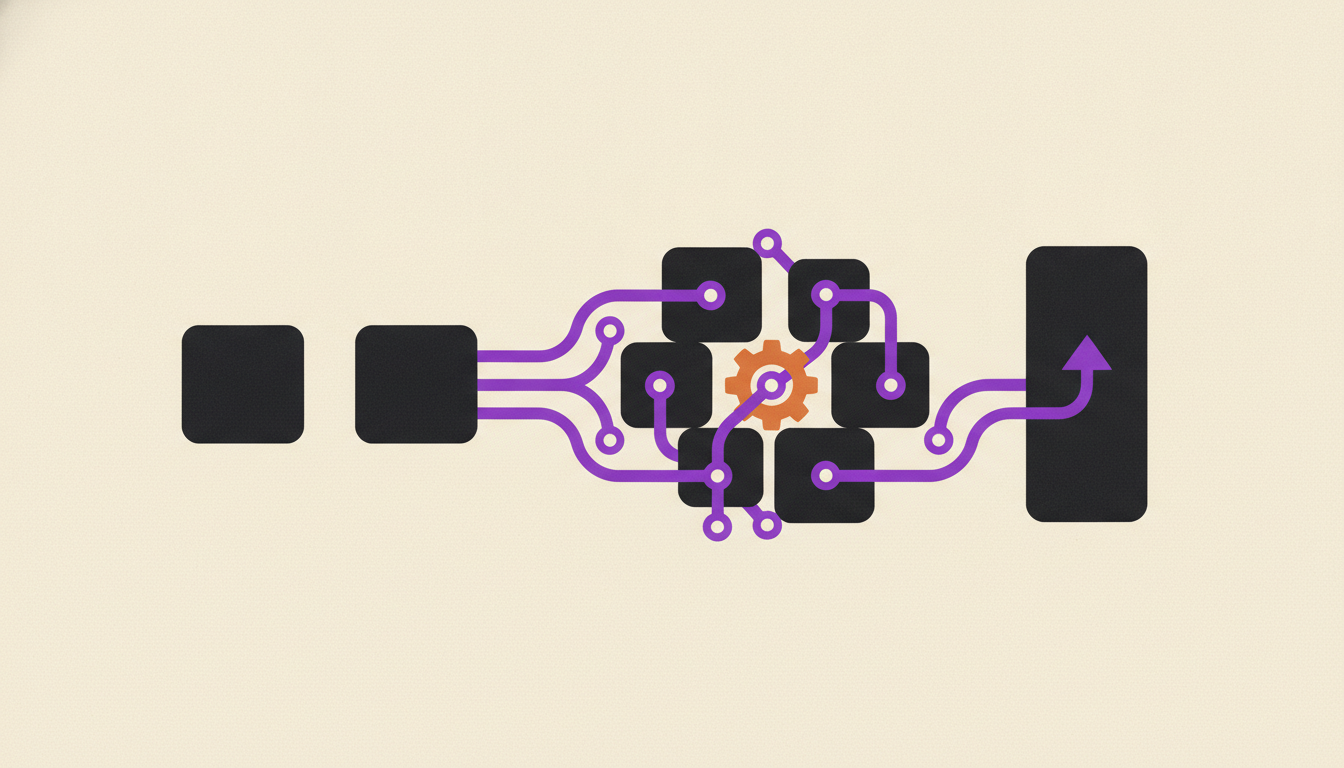
"No-code" is a marketing term before it's a technical one. The pitch, repeated across a decade of platform launches, has stayed the same: skip the developer, skip the backlog, build the automation yourself. Zapier, Make, n8n, Airtable and everything that followed built real businesses on that promise, and none of them lied about what the tool removes.
What they don't put on the pricing page is what stays.
Removing code from the build step doesn't remove the job of running the thing afterward. Someone still has to notice when a workflow silently stops firing. Someone still has to update it when a connected app changes its API. Someone still has to decide whether the fix is worth the afternoon it will cost. No-code shortens the distance between an idea and a working automation. It does nothing to shorten the distance between "working" and "still working a year from now."
That gap is measurable, and the people measuring it aren't the vendors selling the platforms.
What actually counts as a no-code automation platform?
A no-code automation platform lets someone connect apps and define trigger-condition-action logic through a visual interface, with no script required. Zapier, Make and Airtable sit at the pure end of that definition. Power Automate, n8n and Retool blur it, because each one lets a determined user drop into a scripting step when the visual builder runs out of road.
That blur matters more than the marketing admits. The moment a workflow needs a regex to clean a phone number, or a conditional that the drag-and-drop canvas can't express, the "no-code" platform quietly becomes a low-code one, and the person who built it is now debugging a small program whether the vendor calls it that or not.
That doesn't make the category dishonest, just narrower than the name suggests: genuinely code-free for workflows simple enough to fit the canvas, code-adjacent for everything else.
The work no-code removes, and the work it doesn't.
No-code removes syntax. It removes the need to know what a webhook payload looks like, how to write a parser, or how to deploy a script somewhere it'll actually run. For a huge share of everyday automation - a form submission that posts to Slack, a spreadsheet row that triggers an email - that's the entire job, and the platform genuinely finishes it.
What it doesn't remove is everything downstream of "it worked in testing." Someone still has to map the business logic to every edge case a real dataset throws at it, decide what happens when a field is empty or a duplicate arrives or two triggers fire at once, and keep watching for the day a connected app changes a field name, a rate limit or an auth method your workflow quietly depends on never changing.
That watching is a job, not a one-time task. It just doesn't show up on the platform's feature list, because no vendor sells you the hours you'll spend on it.
Why is the work moving outside IT instead of disappearing?
The work isn't disappearing, it's changing hands. Gartner's own forecasting shows employees outside IT acquiring, modifying or building technology at a rising rate: 41% in 2022, a projected 75% by 2027. No-code and low-code automation platforms are the biggest reason that number moves.
That's not a criticism of the category. Getting simple automation out of IT's queue and into the hands of whoever actually understands the workflow is a real efficiency gain, and it's the whole reason these platforms exist. But a stat about who builds the thing says nothing about who's still watching it eighteen months later, after the person who built it changed roles or the workflow quietly started returning wrong data.
Forrester's own research complicates the business-user framing too: 87% of enterprise developers already use low-code tools for part of their own work. So this isn't IT versus everyone else. Almost everyone builds automation this way now, developer or not, and the maintenance question follows all of them regardless of job title.
What breaks first when nobody's watching the workflow?
Integrations break first, and they usually break quietly. A no-code automation is a chain of API calls to other companies' products, and those products change without asking permission. A field gets renamed. A rate limit tightens. An OAuth token expires on a schedule nobody wrote down.
Postman's 2025 State of the API Report, surveying more than 5,700 developers, architects and executives, found 93% of teams that build and maintain integrations run into real collaboration blockers, and 55% specifically cite outdated, inconsistent or missing documentation as the cause. That's the broader integration economy a no-code workflow plugs straight into. The workflow doesn't get a pass because a human built it visually instead of in code.
The dangerous failure isn't the automation that stops and throws an error. Someone notices that one. The dangerous failure is the automation that keeps running and starts returning nulls, duplicates or stale data, because nothing in the platform tells you the upstream contract changed. A lead-enrichment step that silently stops enriching looks identical to one that's working fine, right up until someone in sales asks why every new lead has the same blank fields.
How do you evaluate a no-code automation platform before you commit?
Evaluate it on who watches it after launch, not on how fast the demo built something. Feature comparisons answer the wrong question, because every platform in this category can build the happy-path version of your workflow in twenty minutes. The real cost shows up in month four, not day one.
Five questions worth asking before you sign:
- Who inside the company becomes the de facto owner, and is watching this workflow actually part of their job, or a side project they'll deprioritize the first time something urgent comes up?
- What's the plan when the automation fails outside business hours - does someone get an alert, or does it just quietly stop until a customer complains?
- How many of the workflows you're planning touch three or more systems? Single-system automations are the platform's home turf. Multi-system chains are where fragility concentrates.
- What does this actually cost once you count the hours spent debugging and rebuilding, not just the monthly seat price on the invoice?
- Does the platform keep version history, or does a bad edit simply overwrite the version that was working?
None of these questions appear in a features table. All five determine whether what you build survives contact with a real production month.
Where no-code platforms are still the right call.
Plenty of automation genuinely belongs here. A one-off CSV import. A Slack notification when a form gets filled out. A single-system workflow with a short shelf life and no consequence if it breaks for a day. Paying anyone to write custom code for that is a worse decision than opening a no-code platform and building it in an afternoon, and the speed argument for the category is real, not marketing.
The tradeoff cuts the other way too. Uplift builds and runs the automation for you, which means nobody on your team owns the platform account or carries the maintenance queue, but the flip side is exactly what it sounds like: you don't own it either. If what you actually want at the end is a codebase or a licensed platform seat that's yours no matter who you pay next year, running the no-code platform yourself, or hiring a shop that hands you the repo, is the more honest purchase for that goal.
The maintenance question doesn't go away in either direction. The same pattern shows up specifically in no-code AI agent builders, and one level up the stack in low-code workflow automation, where the platform is more capable but the babysitting job is still there. For workflows that already cross three or four systems and need real reliability, the alternatives built for that complexity look different again - but they don't remove the ownership question, they just change who's equipped to answer it.
If your workflow lives inside one app and doesn't need to survive an API change nobody warned you about, build it yourself in a no-code platform. If it crosses three systems and has to still be right a year from now, that's a different purchase, and no feature comparison will tell you which one you're actually making.
Frequently asked questions
What is the difference between no-code and low-code automation?
No-code platforms build workflows entirely through a visual interface, with no scripting at any point. Low-code platforms use the same visual approach for most of the work but let you drop into a scripting step - JavaScript, Python, a formula language - when the drag-and-drop canvas can't express what you need. Several tools marketed as no-code, including some popular ones, quietly become low-code the moment a workflow gets complex.
Can no-code automation platforms handle enterprise-scale workflows?
They can handle enterprise volume inside a single system reasonably well. Where they struggle is workflows that span three or more systems with strict data consistency requirements, because error handling, retries and rollback logic get harder to express visually as the chain grows. Most enterprise no-code deployments end up combining several point automations rather than one large workflow.
What happens when a no-code automation workflow breaks?
It depends entirely on whether anyone is watching. A hard failure - an authentication error, a rate limit hit - usually triggers a visible error in the platform's run history, and someone eventually notices. A soft failure, where the workflow keeps running but a connected app quietly changed a field or a data format, is far more dangerous, because nothing alerts you and the automation looks like it's working.
Is n8n or Zapier considered no-code or low-code automation?
Zapier markets itself as no-code and mostly is, for standard workflows. n8n sits closer to low-code, since it exposes JavaScript and Python code nodes directly in the canvas for anyone who needs logic the visual nodes can't handle. Neither label changes the maintenance reality once the workflow is live in production.
Who should own a no-code automation platform inside a company?
Whoever understands the business process the workflow replaces, not whoever happens to have platform access. That's usually someone in ops, RevOps or the function the workflow serves, and ownership should include an explicit answer to what happens when they're out sick, on leave, or move to a different role - not just who built it on day one.